
In this tutorial, we will create add a new pin to an existing subcircuit.
The initial subcircuit consists two pins connected through a resistor.

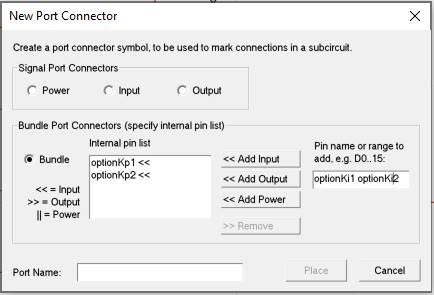
1. Go to “Subcircuit” section in “Options” tab and click to “new Port Connector”.
2. In “Port Name”, write “new_pin” and click on “Place”.

3. Connect the port to the right side of the resistor.

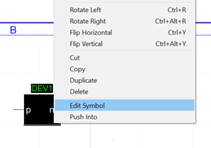
4. Go back to main circuit, right-click on mask and select “Edit symbol”.
5. Click on “Pins/Pin East”
6. Place the pin on the right part of the device
7. Right-click on the new pin and select “Properties”
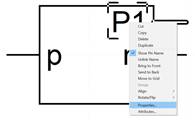
8. Write “new_pin” as pin name and select the correct pin function.
– Save the Symbol


